How to reinsert the catheter (thin tube) into the yellow port.
Wash your hands.
Find the yellow port that is connected to the thick clear tubing.
Remove any remaining tape that is covering the yellow port.
Hold each end of the yellow port with both hands.
Anchor a finger under the side of the yellow port without tubing.
Snap open the clear top by applying pressure to the yellow end.
Set aside.
Clean off the thin catheter tubing with alcohol or similar.
Reinsert the thin tube into the yellow port until you feel resistance and can see that the tube is seated at the end.
Close the clear top shut until you hear a snap.
If you tug gently on the thin tubing it should not be able to move from the yellow port.
Restart your infusion.
ambIT pump
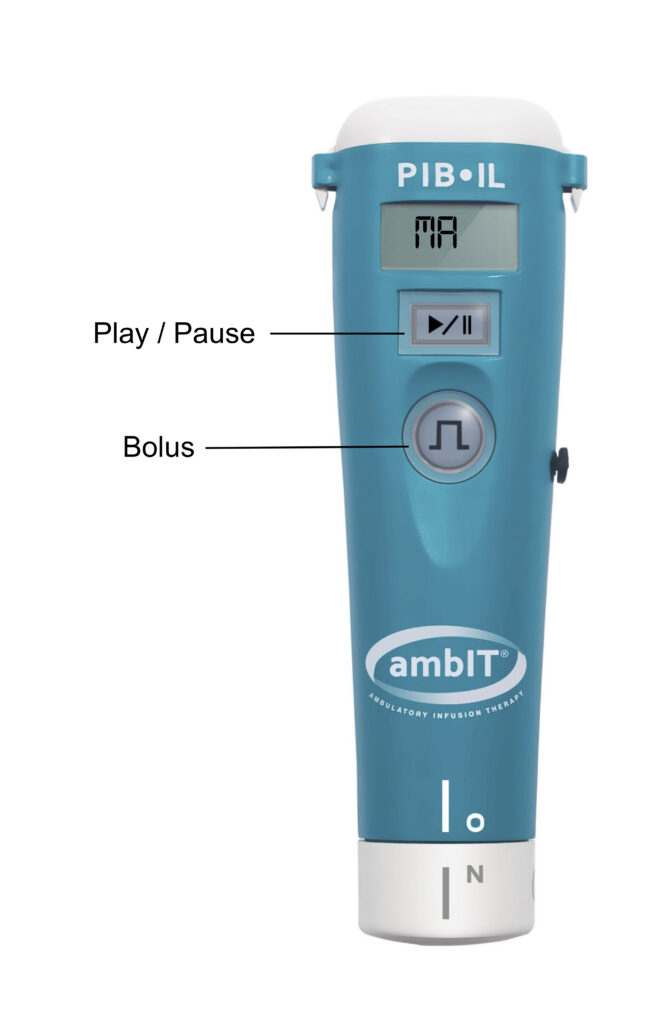
Malfunction alarm
If the “MA” or malfunction alarm sounds, hit the Play/Pause button to pause the infusion.
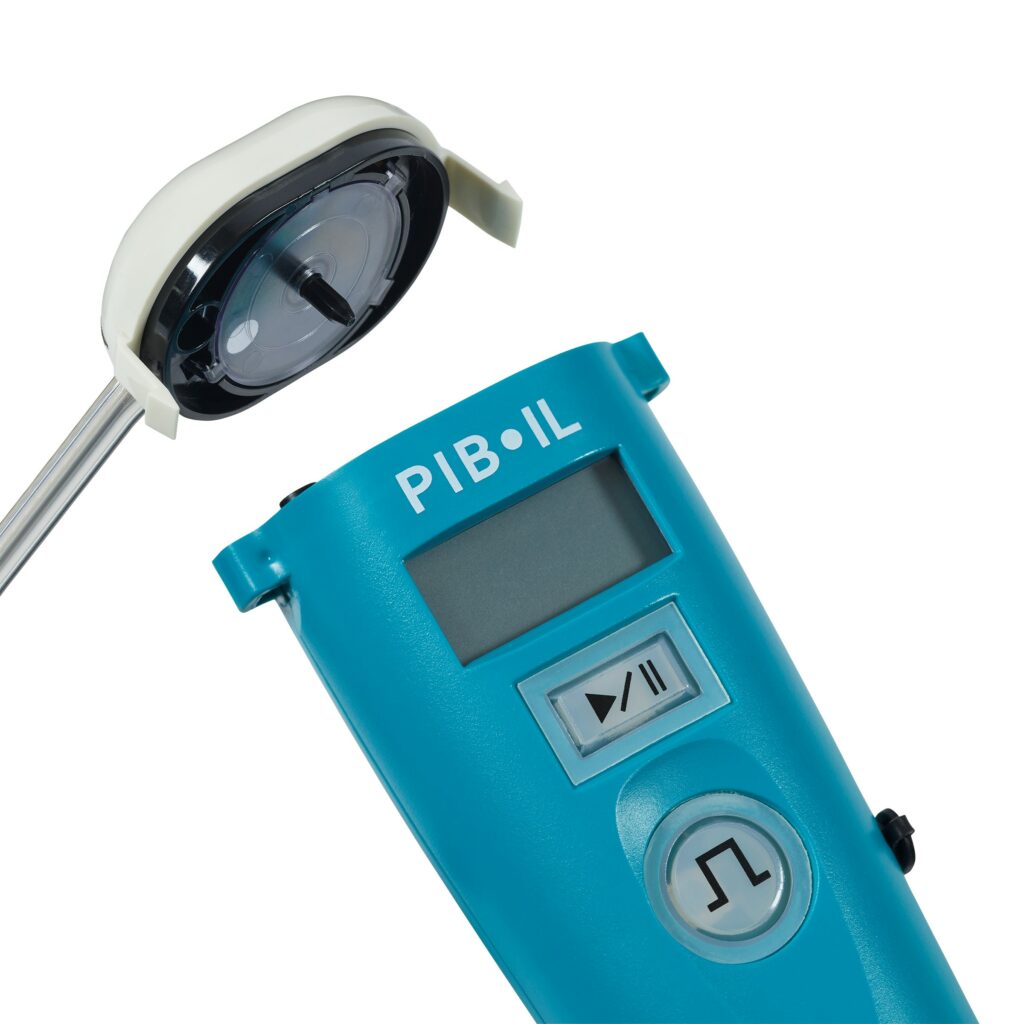
Remove the cassette cap and twist the black needle on the clear disk on the underside of the cassette.
Use your fingers to spin the cassette counterclockwise ensuring the silver circle makes one full revolution.
Replace the cassette. It will fit correctly if not too snug or forced down.
Hit the Play/Pause button to resume. If this alarm does not clear, contact the anesthesia team.
ambIT pump
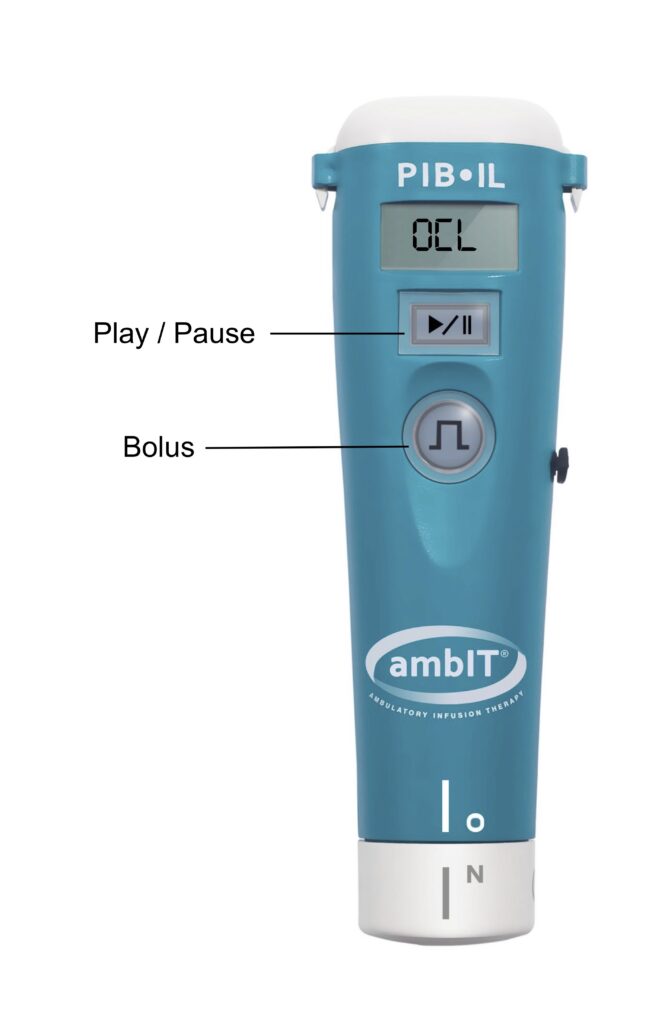
Occlusion alarm
If the occlusion alarm or “OCL” alarm sounds, check the line for any occlusions or kinks.
Press the Play/Pause button to silence the pump and put it in Pause mode.
If an occlusion or kink is found, press the Play/Pause button, then hit the Bolus button to resume infusion.
If after running through this occlusion troubleshooting process this alarm has not cleared, there is a high likelihood of an occlusion. Contact the anesthesia team.
ambIT Pump
Viewing and clearing the history
To view patient history
Press the Play/Pause button to pause the pump.
Press and hold the Bolus button.
Patient history will be displayed.
To clear the history
Press and hold the Bolus button until you hear a beep and see “Hx” on the screen.
Release after the beep.
Then immediately press and hold the Bolus button again.
A “0” (zero) should appear next to “Hx”.
Questions? Contact the anesthesiologist:
Ascension Seton Medical Center
512-748-0188
Dell Seton Medical Center at the University of Texas